
One glance and you know the lot.
The screen is laid out to be read from across a room. Try it: send in a goal or a red card and watch it land.
The score, in your colours
Each side's score sits on a panel of its team colour, big enough to read from the sofa. If two teams' colours clash, the away side switches to its second colour.
The last five moments
Goals with the scorer, red cards and second yellows, newest at the bottom. Half time and full time drop in as dividers, so the story of the game reads top to bottom.
A clock that keeps running
Kick-off time before the game, then the minute, ticking between updates. Stoppage time shows as 45+2, then HT and FT.
The latest news
A new goal, card, substitution or corner shows here for a minute. Then it goes back to the fixture.
Every moment that matters, and none that doesn't.
Big moments get the full screen and a spot in the list. Smaller ones get a line in the bar, then make way.
| Moment | Full-screen alert | In the list | In the bar |
|---|---|---|---|
| Half time, full time | |||
| Penalty shoot-out | |||
| Substitution | |||
| Corner |
Plugged in to live scores in about two minutes.
No app and no account. The box walks you through it on its own screen, and your phone does the typing.
-
 Step 1Plug it inUse the cable in the box and any USB phone charger. It starts up in a few seconds.
 -
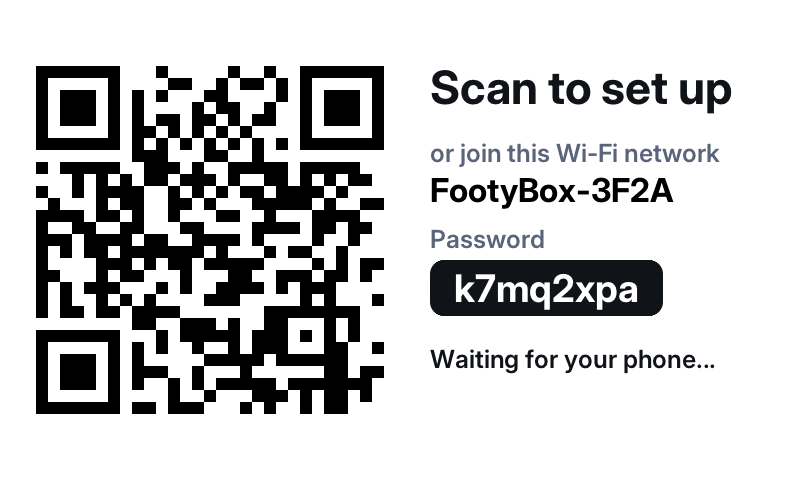 Step 2Scan the screenThe box makes its own little Wi-Fi network and shows a QR code. Scan it and the setup page opens on your phone.
 -
 Step 3Pick your Wi-Fi and your clubChoose your home network and your team, and change the colours if you like. It finds the next match and takes it from there.
Every box has its own password, never a shared default. You can change settings any time at footybox.local. It needs 2.4 GHz Wi-Fi, which nearly every home router has.